CodePen, our programming workbench
For this website, we will not work locally with a text editor on our computer, but instead we will use an online tool within the browser called CodePen. Let’s assume that you already signed up for a free account.
Create a new code snippet (“pen”) by going to https://codepen.io/pen
When you start a new pen, it looks something like this:
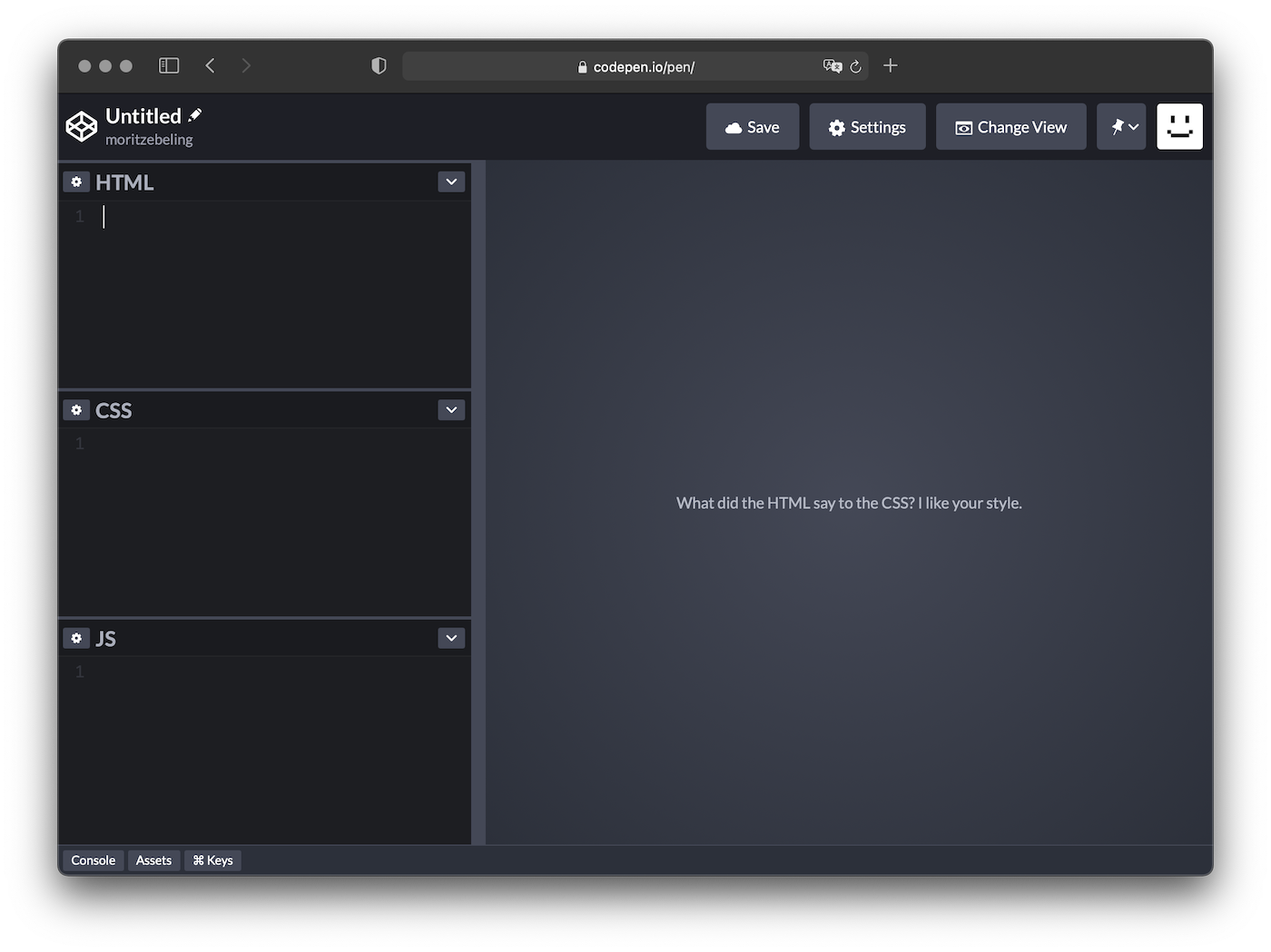
On the left there are 3 different editors for HTML, CSS and JS, those 3 technologies, we discussed earlier. On the right you will get a live rendering of your code.
Good to know
- Always make sure that you’re logged in so that you can save your work
- You may choose to close the JS editor, to have more room for the other 2
- Name your pen to something else that untitled
- Save your pen regularly
- Once you save your pen, you get a unique URL that you can share around
- When viewing an existing pen (written by someone else or yourself), you can decide to fork it, which means duplicating the code into a new pen of your own. Edits that you now make are only within the fork, while the original is beeing kept or can evolve in another direction
- Remember: everything that we do in these pens are not real websites, only abstractions, small snippets or building blocks – however they can later be integrated into a real website
- A real website always has some
<html>and<body>tags, wich are inserted for us automatically by codepen. So you don’t have to type them in HTML, but you can style them with CSS.
The reason why we use CodePen in this workshop, is that we 1) want to focus on small building blocks and snippets to learn how HTML and CSS work and how we can use them creatively instead of worrying about all the things around them. And 2) that we can quickly send around and share snippets, so that we can learn from each other and collaborate.
It is explicitly encouraged to share your pens – even if they’re not perfect!